Blog Archive

  1. Improved Email Tracking with EasyBox

    Lauren Strayhorn

    Why Delivery Reports? One of the main advantages of EasyBox over email is its ability to accurately track views and changes to attached documents. It does this by keeping attachments within a company’s SharePoint stored in an SQL database. In the traditional email setting, administrators can set read receipts so when users read the email, they are notified.…

    Read more »


  2. Easy Dynamics Demos EasyBox at SharePoint Saturday DC

    Lauren Strayhorn

    This past Saturday, June 13, 2015, Easy Dynamics Corp was proud to sponsor and attend 2015 SharePoint Saturday DC at the Microsoft office building in Chevy Chase, Maryland. We enjoyed meeting and speaking with conference attendees about our first commercial product EasyBox, the only secure messenger for SharePoint. Use cases as correspondence management systems and…

    Read more »
  3. Continuous Everything in a DevOps World

    Jeffrey Woltz

    The word “continuous” seems to be the root of many agile concepts in today’s world. As agile adapts and takes on more and more evolving practices, the glossary for this lean-structured methodology gets thicker and thicker. Every day, organizations are trying and succeeding at implementing agile process methodolgies which is often why technology runs faster…

    Read more »
  4. How AngularJS Helps Validate Forms

    Kayla Funke

    With AngularJS, you can apply a wide variety of checks and effects to form elements. This blog will go over some of the basics. Not only does Angular allow you to validate user input using built-in and custom directives, but it also automatically furnishes your elements with helpful CSS classes. Angular will help you take advantage…

    Read more »
  5. Blackboard Learn: Collaboration Tool in Law Enforcement Online Training

    Jeffrey Woltz

    Easy Dynamics has recently enjoyed the opportunity to collaborate with the product engineers from Blackboard to deploy their “Learn” learning management software (LMS). Easy Dynamics is partnering with one of our federal law enforcement customers to better utilize online resources for online collaboration. Blackboard Learn will be an exciting new resource for our customer. Their…

    Read more »
  6. Scrum Creates Efficient Process to Keep Clients Happy

    Jeffrey Woltz

    Scrum, the most popular Agile Process according to Kenneth S. Rubin’s bestselling book on Amazon ‘Essential Scrum’, helps teams create a more efficient methodology through an iterative and incremental process. A major goal for any business is to not only satisfy the customer, but also keep them happy. By following these simple SCRUM guidelines, a team will always put…

    Read more »
  7. HowTo Plan Daily Activities with Agile and TFS

    Jeffrey Woltz

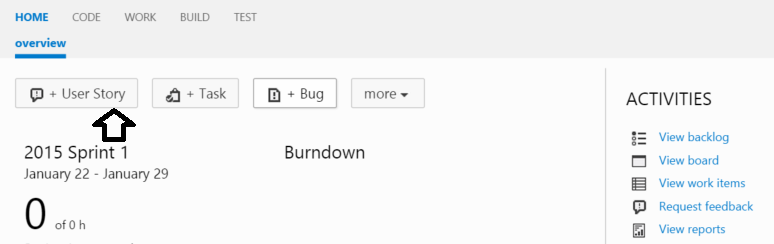
    Team Foundation Server is an Agile tool that can help you organize your daily activities such as tracking big picture items as well as smaller ‘to-do’ tasks. I use TFS to track .NET software development projects, but I decided to try it to plan my daily activities for today’s blog post. Read further to learn…

    Read more »
  8. Creating a Workflow with SharePoint Designer

    Jeffrey Woltz

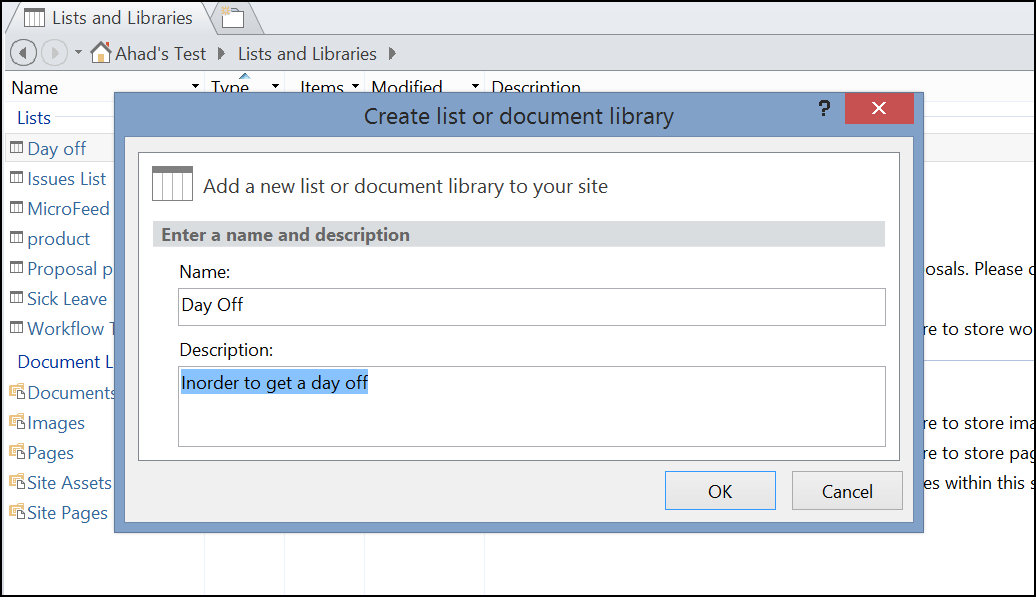
    In my ever expanding blog series on entry level/power user SharePoint WorkFlows, this blog will address how to automate business processes that are too complex for the OOTB SharePoint Workflows. For this, we will require the help of SharePoint Designer. SharePoint Designer is a tool which helps to make low or minimal code SharePoint customizations…

    Read more »
  9. Practical Implementation of a Three State WorkFlow in SharePoint 2013

    Jeffrey Woltz

    The third post in my ongoing series of “Simple Workflows with SharePoint 2013” will demonstrate the practical implementation of the Three State WorkFlow to automate a routine business process. Before going further, make sure to read my second post as prep for this one. To get started, I will assume that you have set up a…

    Read more »
  10. How to Create a Three State WorkFlow in SharePoint

    Jeffrey Woltz

    There are many different scenarios in an everyday work environment which can benefit from automated SharePoint WorkFlow. If a repetivite task needs to be completed on a consistent and auditable basis, it’s likely to be a good candidate for a workflow process. Some examples include expense approval, form creation, or time approvals. This blog post…

    Read more »